Independent energy education for Australian homes and small offices

Understand your smart meter data before your next bill lands

Energy Datacom explains what your meter is actually recording, how off-peak and shoulder rates work on your bill, which appliances quietly draw power overnight, and how solar feed-in tariffs are structured across each state. We write to inform, not to sell energy plans, panels or hardware.

Reviewed and updated editorial content References AER public information
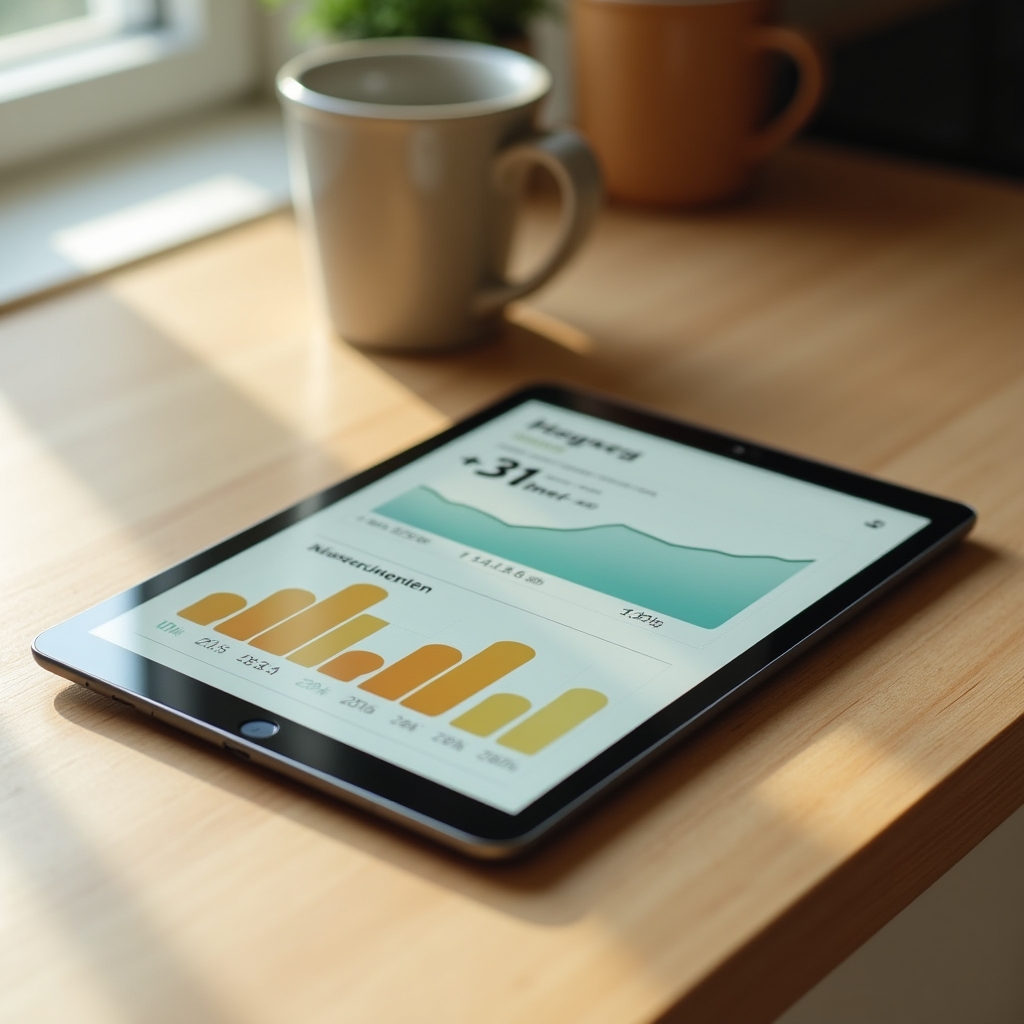
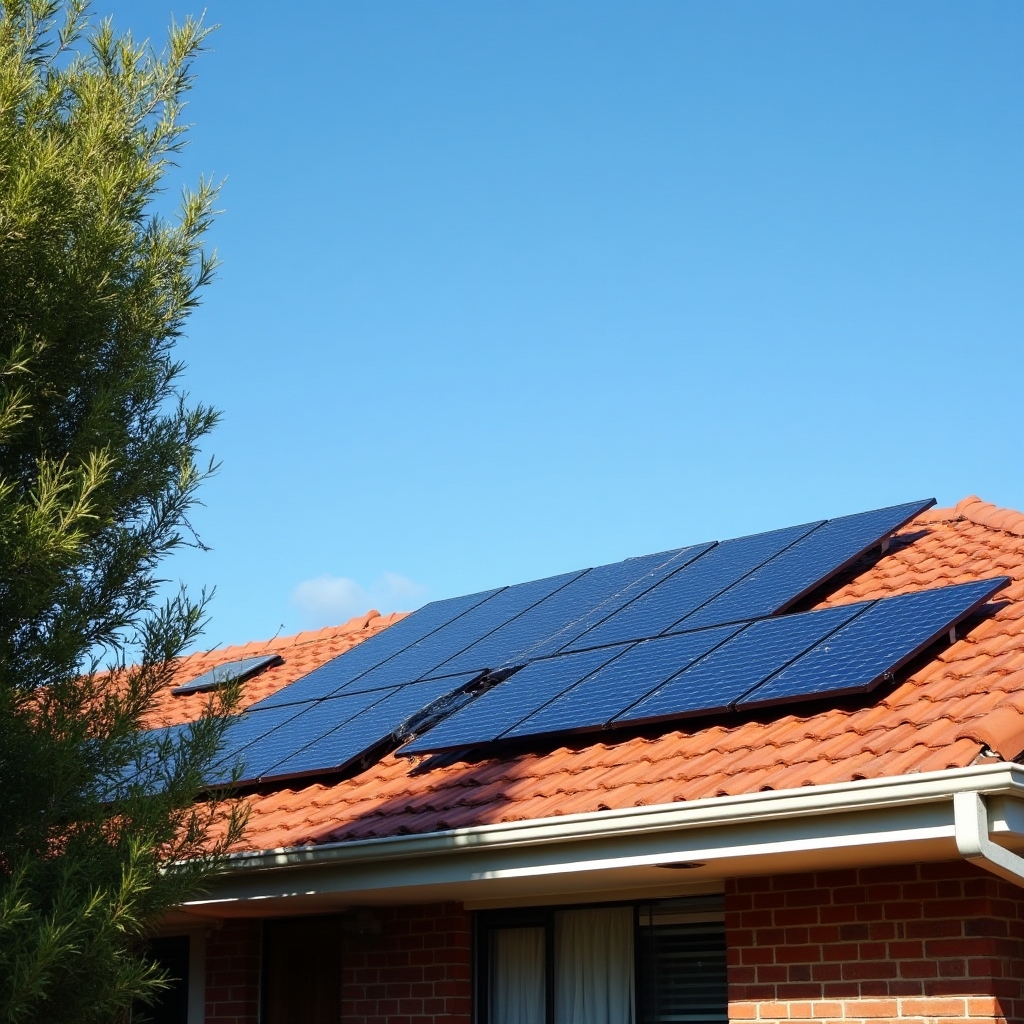
Tablet on a kitchen bench displaying a smart meter energy usage dashboard Rooftop solar panels installed on a suburban Adelaide home roof under a clear sky
Editorial content, not for sale
01 — Topics

Four things worth understanding before you complain about your bill

Each of these shapes what you're actually charged, quietly, in the background of every billing cycle.

Reading your smart meter data

Interval data shows consumption in short blocks across the day, not just a monthly total. Learning to read it in your retailer portal reveals when your household is actually using the most power, which matters far more than the total kWh figure alone.
Off-peak and shoulder rates

Time-of-use billing splits the day into peak, shoulder and off-peak windows, each priced differently. The exact hours vary by retailer and distribution network, so the same appliance run at 3pm and at 11pm can cost noticeably different amounts.

Phantom and standby power

Many devices keep drawing a small trickle of electricity while switched off but still plugged in. Individually this seems trivial. Across a household with several standby devices running around the clock, it adds up over a full year of billing.

Solar feed-in tariffs by state

The credit you receive for exported solar power depends on your state's regulatory approach, your retailer's published rate card, and sometimes the time of day the export happens. It is not a single national figure.

02 — About this project

Why this site exists

"A power bill is a document written in a language most households were never taught to read. We try to translate it, section by section."

Energy Datacom was built as a plain-language reference for households and small offices trying to make sense of their electricity accounts. We don't broker energy plans, sell solar hardware, or take referral fees from retailers. What we do is explain the mechanics: how meters record data, how time-based tariffs are structured, and how the Australian Energy Regulator's Energy Made Easy tool can be used to compare offers on your own terms.

Read more about our approach
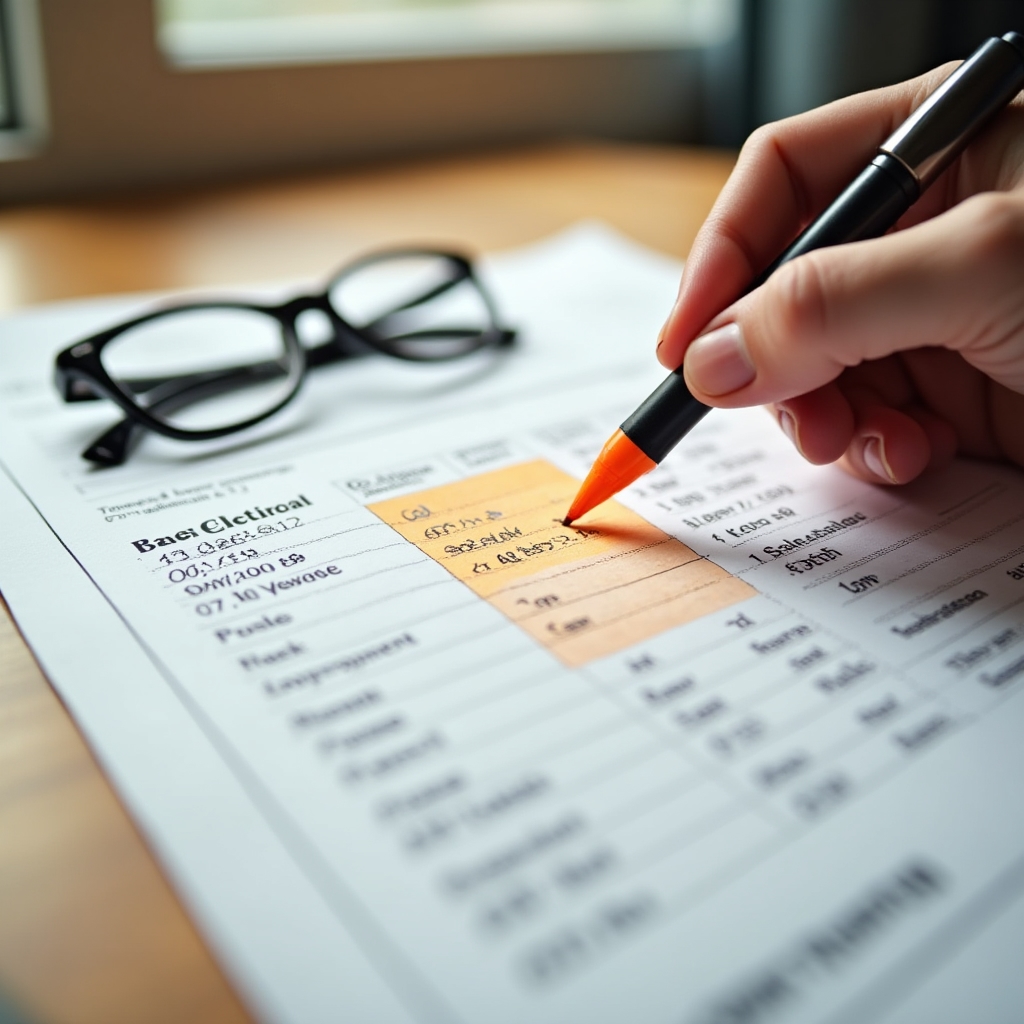
Close up of a household electricity bill with a highlighter marking usage charges
03 — Standby power
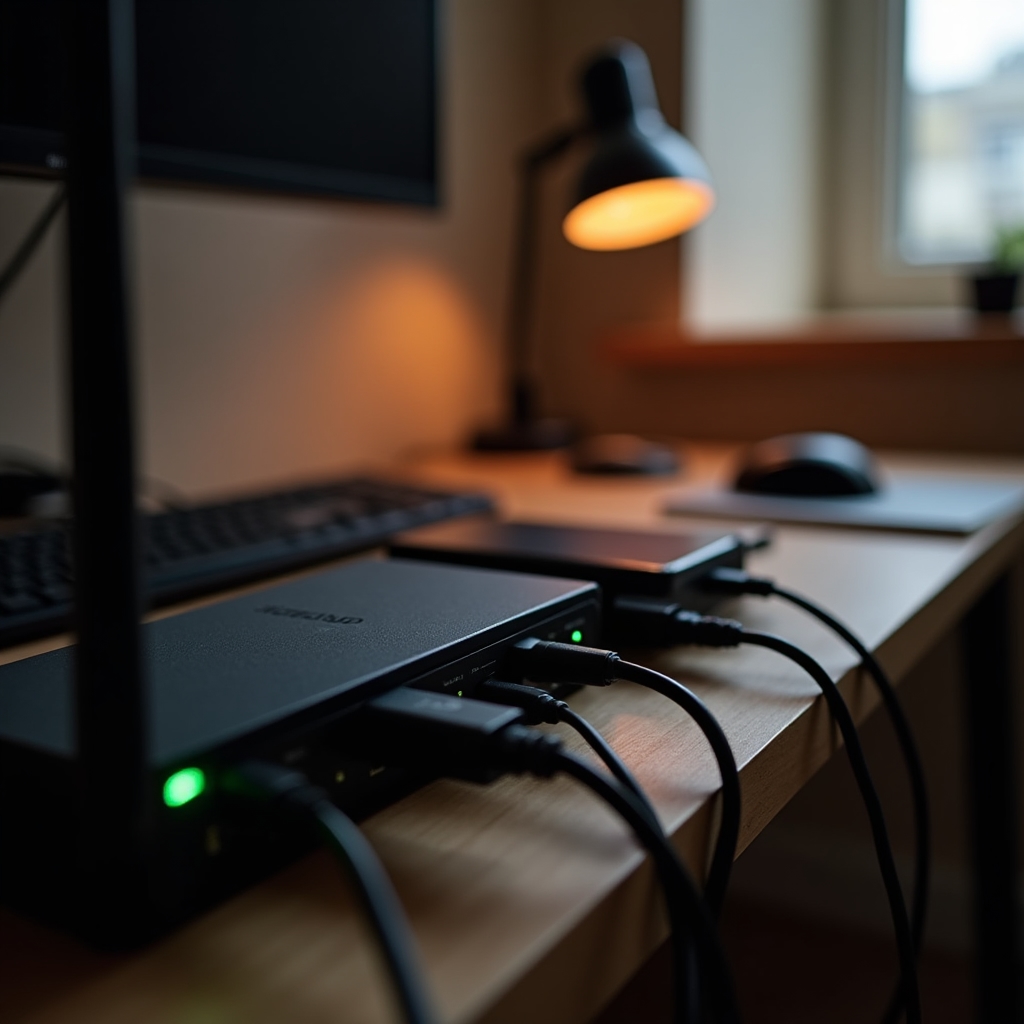
Power strip with several household appliances plugged in and standby lights visible

The appliances that never really switch off

A short list of common culprits worth checking around the house or office.

  • Modems and routers

    Designed to run continuously, so this draw is expected. It's still worth knowing it's there when reviewing total baseline load.

  • Televisions and set-top boxes

    Quick-start standby modes keep internal components partially powered so the screen turns on instantly, at the cost of a small continuous draw.

  • Game consoles left in rest mode

    Rest mode enables downloads and updates overnight, which is convenient but keeps the unit from being genuinely off.

  • Chargers left in the wall

    Most modern chargers draw very little without a device attached, but older transformer-style chargers can be less efficient at idle.

  • Microwaves and coffee machines with clock displays

    The digital clock or standby light means the appliance is never fully powered down between uses.

04 — Comparing plans

Using Energy Made Easy without getting lost in the fine print

Energy Made Easy is the Australian Energy Regulator's free comparison tool. We don't operate it and we don't earn anything from your use of it, we simply explain how it works.

1

Have a recent bill ready

You'll need your postcode, distributor, and roughly how much electricity your household uses, all printed on a recent bill.

2

Enter your usage profile

The tool asks for your approximate annual consumption, or lets you enter data straight from your bill for a closer estimate.

3

Filter by what matters to you

You can filter by contract length, solar feed-in inclusion, or discount structure, rather than relying on headline numbers alone.

4

Read the plan fact sheet

Every result links to a standard fact sheet showing rates, fees and conditions in a consistent format across retailers.

Open Energy Made Easy
05 — Find us

Where the editorial team is based

We work from Adelaide, though the guides published here apply to households and small offices across every Australian state and territory.

Go to contact page
Cookie preferences

Cookie preferences

We use a small number of cookies to run this site and understand how it is used. Choose which categories you're comfortable with below.

Required for basic site functionality. Cannot be disabled.

Helps us understand which guides are read and how visitors navigate the site.

Remembers small preferences such as menu state between visits.

Not currently used to sell anything, kept off by default.